Next-Gen Mobile Controller
Gamepad for Android TV
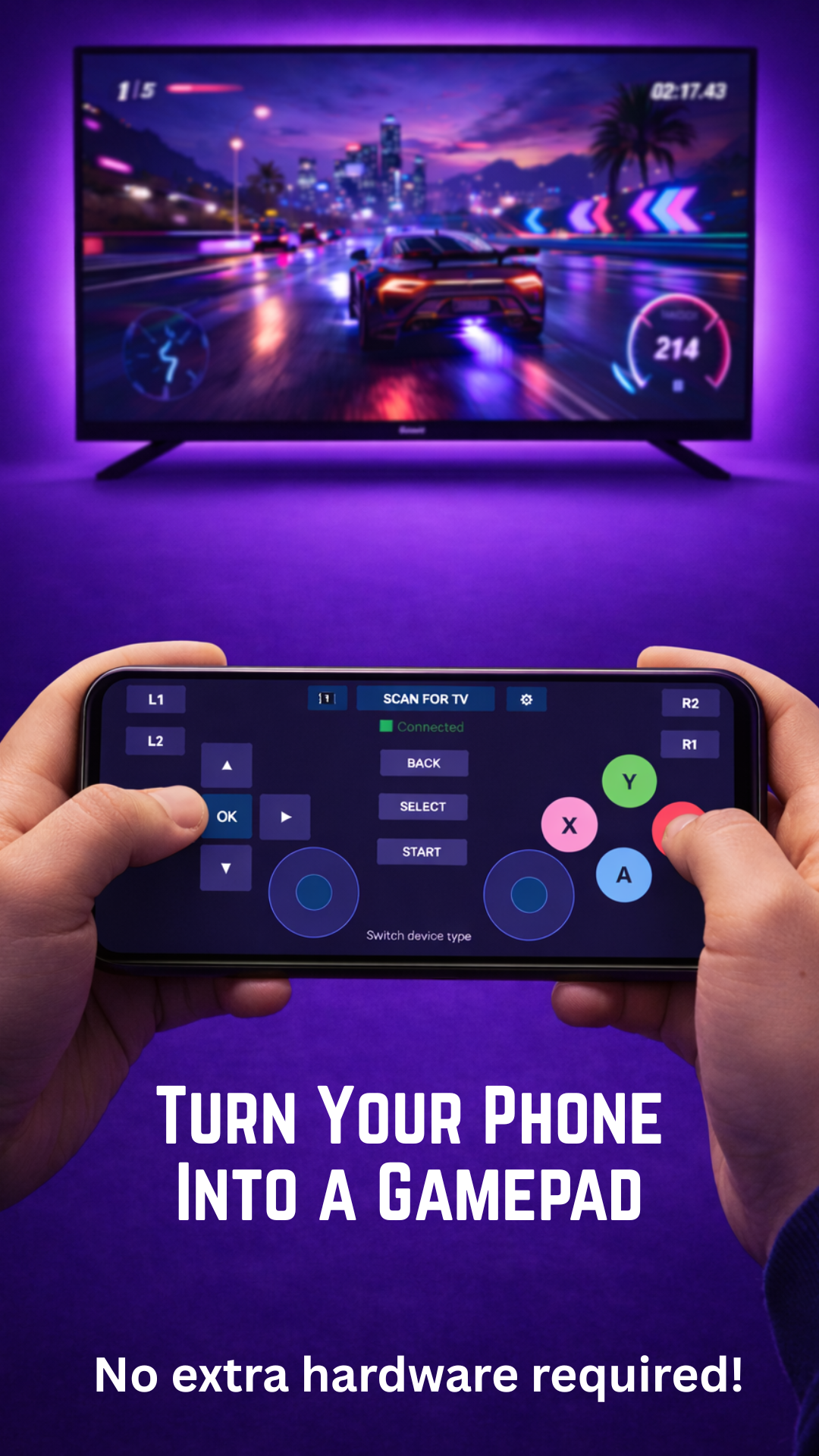
Turn Your Phone Into a Wireless Game Controller. Connect over Bluetooth and play like a pro.
Turn Your Phone Into a Wireless Game Controller. Connect over Bluetooth and play like a pro.
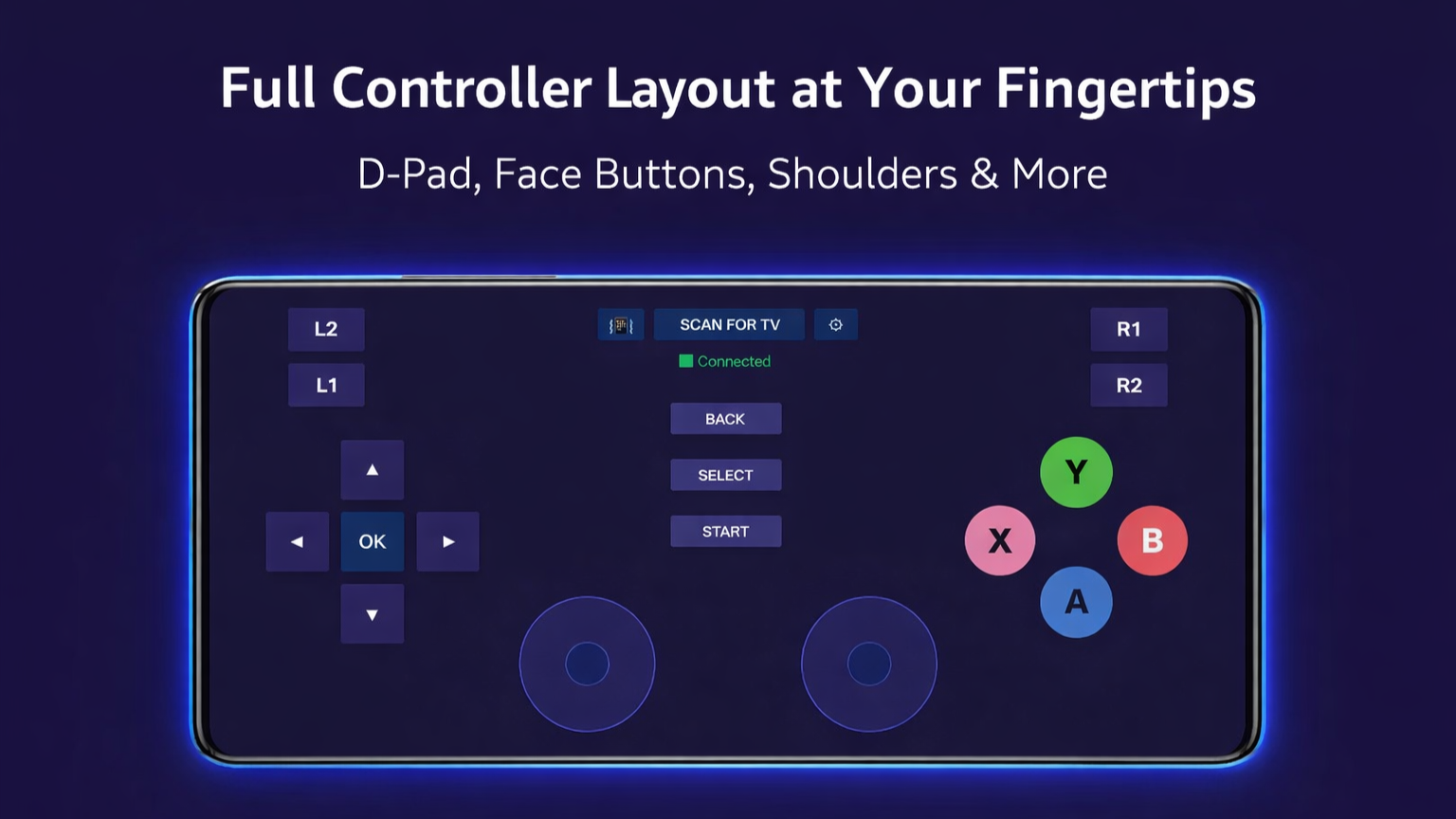
A familiar console-grade button mapping layout optimized for standard Android TV games.
Precision virtual sticks with variable sensitivity and zero-drift calibration.
Low-latency Bluetooth connection ensures your inputs are registered instantly.
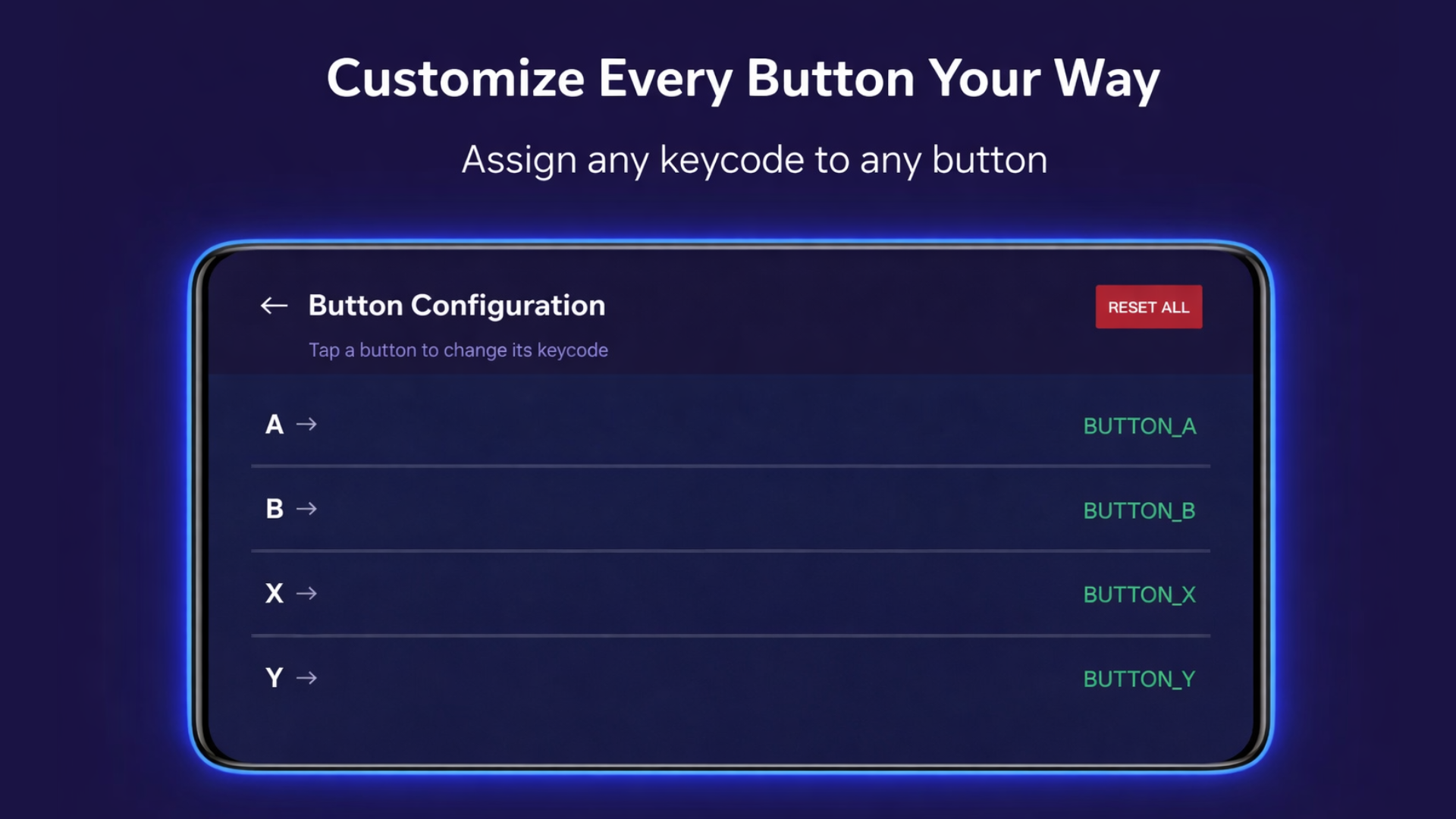
Rebind any button or adjust the haptic intensity to match your playstyle.
Feel the action with sophisticated vibration patterns for every hit and bump.
Full compatibility with Android TV, Google TV, and Fire TV.
Download Gamepad for Android TV on both your Android phone and TV device.
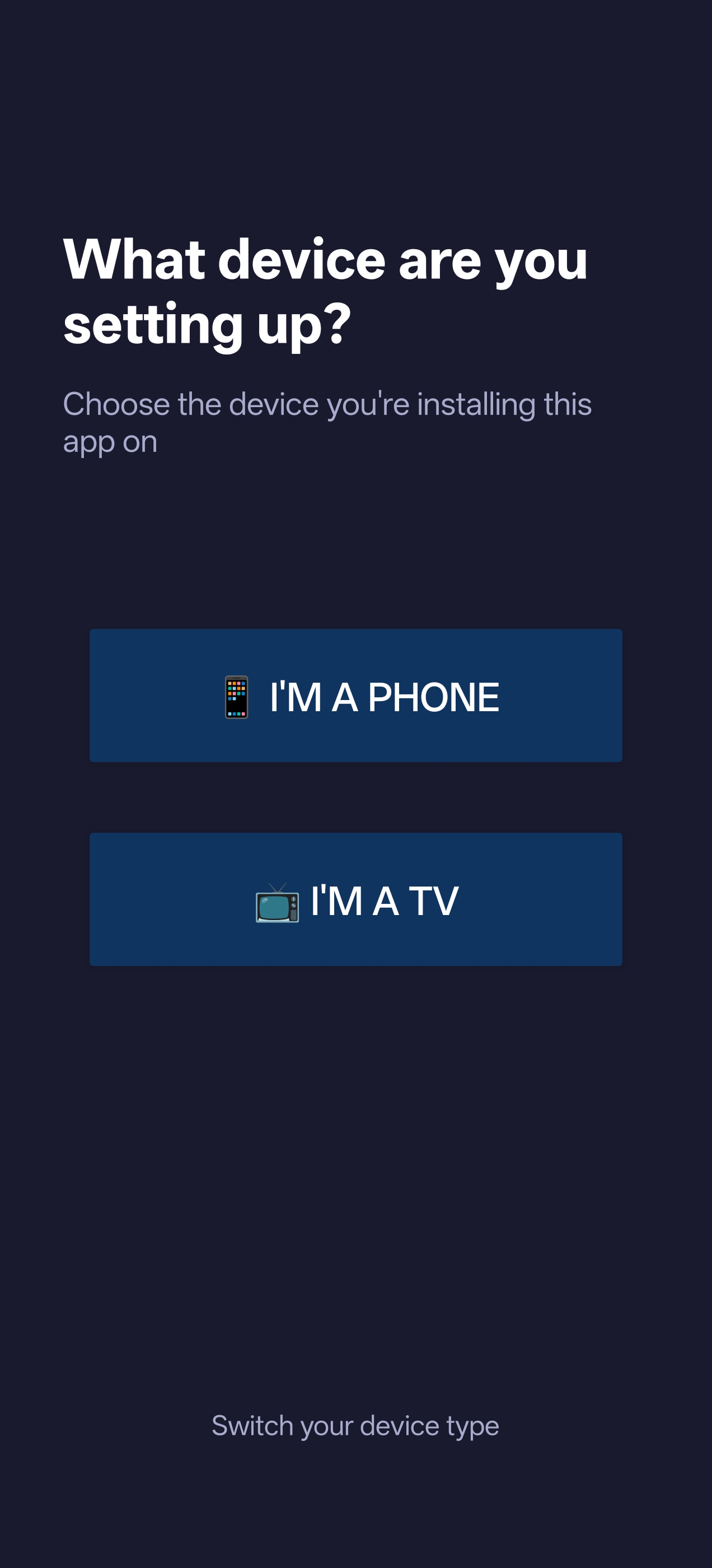
Enable Bluetooth and select your TV from the mobile app's device list.
On your TV, select "Gamepad Input" in the Keyboard & Input settings.
Launch any game and enjoy console-like control from your phone.
Works on any Android device running Android 5.0 and above.